
The Wi-Fi link is only one part of the connection. DNS, router settings, an internet-provider outage, or a device configuration problem can still prevent access. Diagnosis checks each layer.
Independent expertise / Pittsburgh + remote
Wi-Fi & network help in Pittsburgh
Wi-Fi and network troubleshooting, private VPN setup, Docker containers, and virtual machines. Connect your devices and self-hosted services in Pittsburgh or remotely when practical.
One point of contact. A clear next step.
DRANTECH / IN PRACTICE
At a glance
- Who I help
- Individuals, home offices, and small organizations.
- Where
- Pittsburgh and Southwestern Pennsylvania; remote help elsewhere when practical.
- Typical labor
- $90/hour residential · $150/hour business. Larger projects are scoped first.
- Next step
- Describe your goal or symptoms. I confirm scope and availability before work begins.
Provided by Jeff Dran, owner of Drantech LLC. Call (724) 344-8478 or send a text.
What I can help with
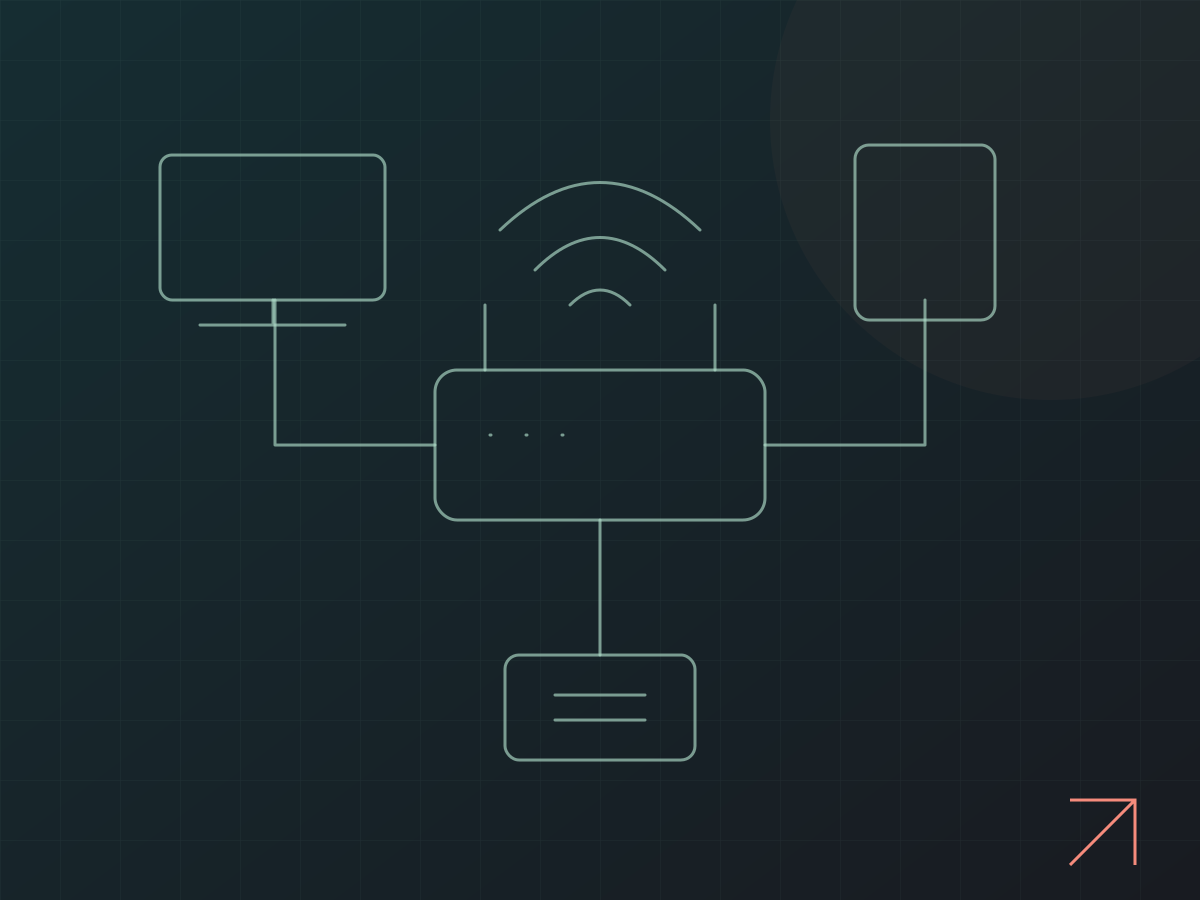
A device can show a Wi-Fi connection while websites, printers, or shared files remain unavailable. Network troubleshooting separates wireless coverage, local addressing, DNS, routing, and internet service so changes address the actual fault.
- Wi-Fi coverage, dropped connections, and access-point setup
- Router and wired-network configuration
- Home-office and small-business device connectivity
- NAS, shared storage, and secure remote-access planning
- Private VPN setup with WireGuard, OpenVPN, Tailscale, and other suitable tools
- Subnet routing, DNS, and access between approved devices and networks
- Caddy and other reverse-proxy tools for hostname routing and HTTPS access to self-hosted applications
- IoT device connectivity, home-assistant networks, and connected-device troubleshooting
- Docker container deployment and management, virtual machines, and host networking
Before you request help
List the affected devices, router or mesh system, and internet provider. Note whether all devices are affected or only some, and whether the problem changes by room or connection type. For remote access, list the devices, networks, and applications you want to reach.
Common questions
Not necessarily. Placement, configuration, interference, or another device may be the cause. The existing setup is reviewed before recommending replacement equipment.
Yes. I can configure WireGuard, OpenVPN, Tailscale, or another suitable solution for access to your home or business systems. We identify which users and devices need access, which services they should reach, and any subnet routes or network constraints before setup.
Yes. I can configure Caddy and other reverse-proxy tools to direct web requests to the right application using clear hostnames and HTTPS. VPN routing connects devices and networks; reverse-proxy routing handles web applications. Access controls and whether each service is private or publicly reachable are part of the agreed setup.
Yes. I can help deploy and manage Docker containers, set up virtual machines, and troubleshoot existing virtualization environments. Work can include persistent storage, network access, resource allocation, updates, backup and recovery planning, and documentation, with hardware and application compatibility reviewed first.
Yes. I can review connectivity, shared resources, remote access, and documentation. The scope and any changes that could interrupt work are agreed in advance.
Before we get started
How to arrange service
- On-site service
- Pittsburgh and Southwestern Pennsylvania, by arrangement. Include your general location so I can confirm whether an on-site visit is practical. Travel costs are agreed before work begins.
- Remote service
- Available elsewhere when the device, connection, and issue allow it. Tell me whether the affected device starts and can reach the internet.
- Scheduling & handoff
- Start a request, call, or text. I confirm availability, the service location, and any device handoff or shipping arrangements before you make a trip or send a device. Submitting a request does not reserve an appointment.
- What to send
- Include the device model or website, the symptoms or goal, when it started, and any deadline. Mention backup status for repairs. Keep passwords and recovery keys out of the initial request.
- Scope & approval
- Typical labor is $90/hour for residential work and $150/hour for business work. Parts are separate. Residential repair and troubleshooting pauses after two hours ($180 in labor) for approval before more time is billed.
Guides & tips
The latest practical advice
Guide ·
See all guides & tips Switching from Windows to Linux: where I’d start
A practical Windows-to-Linux guide: familiar desktops, Mint, Fedora, CachyOS, Hyprland, Noctalia, Omarchy, Wayland, X11, privacy, gaming, WSL2, and when keeping Windows makes sense.
Read the guide Guide ·Home automation: what’s possible, and where I’d start
A practical look at useful home automation, local voice control, private AI, and where to start without making your home harder to use.
Read the guide Guide ·One-time IT help or ongoing business support?
How to choose between a defined troubleshooting task, a planned technology project, and a Small Business Care agreement.
Read the guideYour next step
Let’s make your
technology work for you.
Tell me what needs fixing, building, or figuring out.